
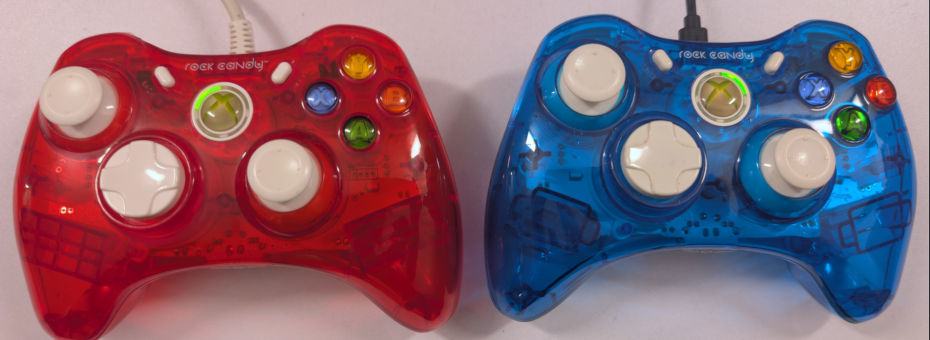
What's up, cheap 3rd party controllers!
Out of all of the controllers that we've seen hit our bench, PDP Rock Candy's were surprisingly one of the few we rarely saw. Despite their price, if they broke, people didn't bother to repair them. Just toss and get another.
There were generally three types of people who got these controllers:
- The people who modded their Xbox cases translucent just like the controller, and really wanted to complete that Y2K iMac feeling. There was also translucent cases to convert your OEM wireless or wired Xbox 360 controller over as well. But Rock Candy's were in almost every game store for immediate purchase.
- The second group is parents who would get a controller like this for their kid because they were pushing around $20-30(USD), versus getting an original Xbox 360 controller at almost double the price. Depending on where your game console was placed, wired was just simply better because guess what? No batteries! Saving you even more money. You'll notice the rumble motors are missing. In some cases, that's acceptable.
- Some gamers would also use cheap controllers like this for casual play on their Xbox 360 and save the wear-and-tear on the wireless for when friends come by. Third-party controllers, unless they were incredibly old or vastly superior, like the WACO JemStick for Atari. Third parties rarely gain in value. Thus, destroying these is the best way to go.
The best part is, they're still cheap, and they still work in Windows 11 without the need for special drivers.
Read on if you want to see some repair and me rant about controllers once again.
First, the Blue PDP controller.
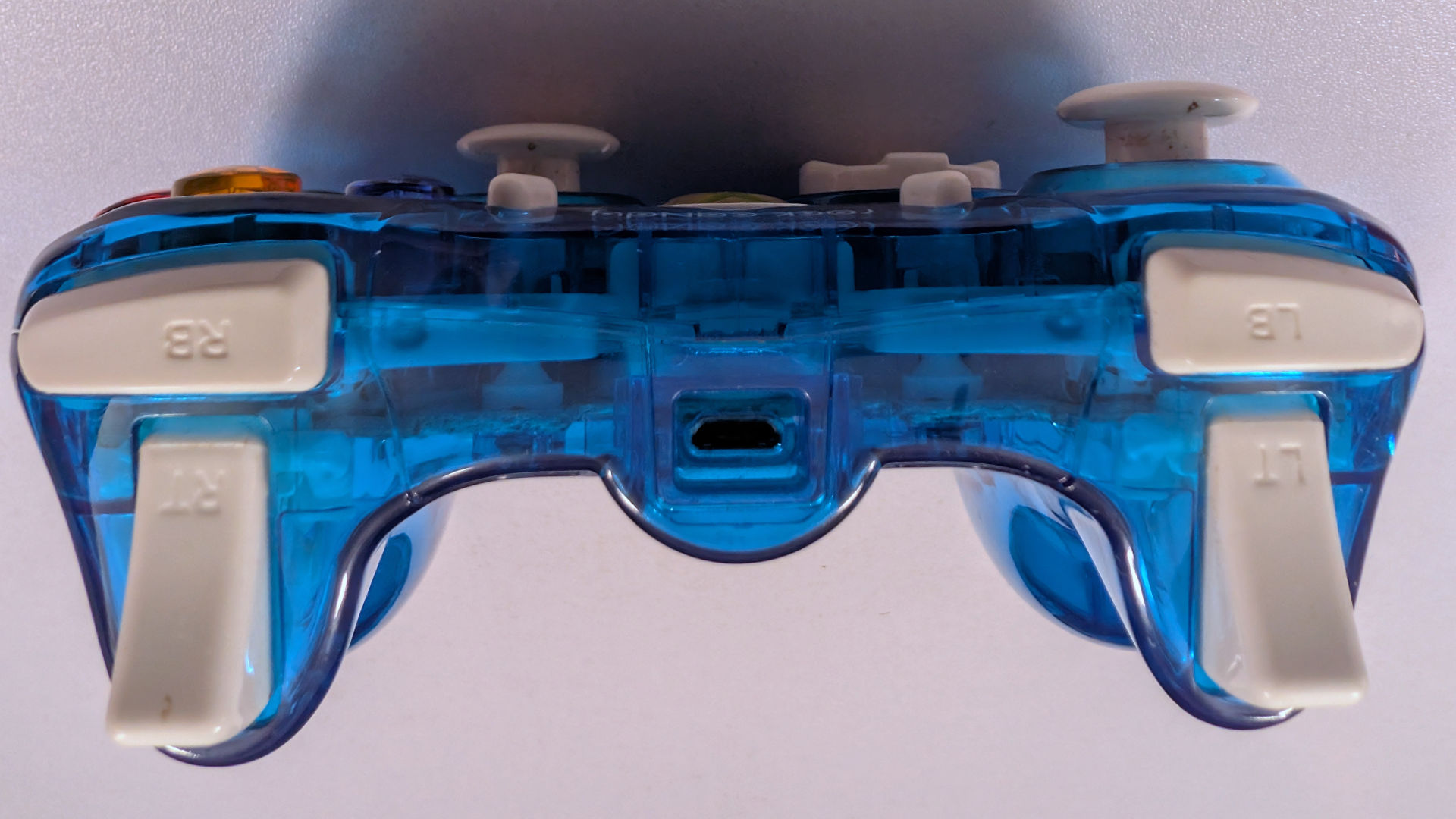
Now, between the two controllers, this one will be the least talked about. Because we could plug it in with a MicroUSB<->USB A cable, and we know it works. Just had a fine a cable, plug it in and go! It may need to be cleaned up a little around the sticks. But in general, this controller needs nothing! Tried this on my Windows 11 box with Steam. The Micro-USB doesn't seem mangled; however, the unit could lose connection if we really shook the shit out of the controller. Because of this, controllers like it (Even ones made for the Xbox One) could easily break that Micro-USB port, which is not an easy thing to replace, as you require some soldering skill. But for a $2 Goodwill Thrift Store find. Can't complain really.
Next, the Red PDP controller

We also got it for $2 from Goodwill. But you could probably see the problem right away in this picture. That cable! Ever since the Original Xbox, Microsoft has really liked the concept of these breakaway cables, which convert from a DIN jack like you see in the picture, to something like a USB-A or proprietary Xbox plug. Part of the concept was Safety. If you or your friends are stupid drunk playing games, and one of them gets up to go to the bathroom and trips over the cord, the cable should break away from the game console. Keeping the game console from hitting the ground or your controller from being destroyed.
The Blue controller used a Micro-USB port, which COULD break away from the Micro USB, but those kinds of ports were designed for charging phones, not really ripping on them. We suppose it's the loss of the lesser evil. Would you want your controller destroyed or your console?
So, how does one test this controller if you have no breakaway cabling? After all, most of my Xbox 360 gear is wireless, and we don't even have such a breakaway cabling. So, we do the next thing. Remove the safety features and replace them with a legit USB cable.
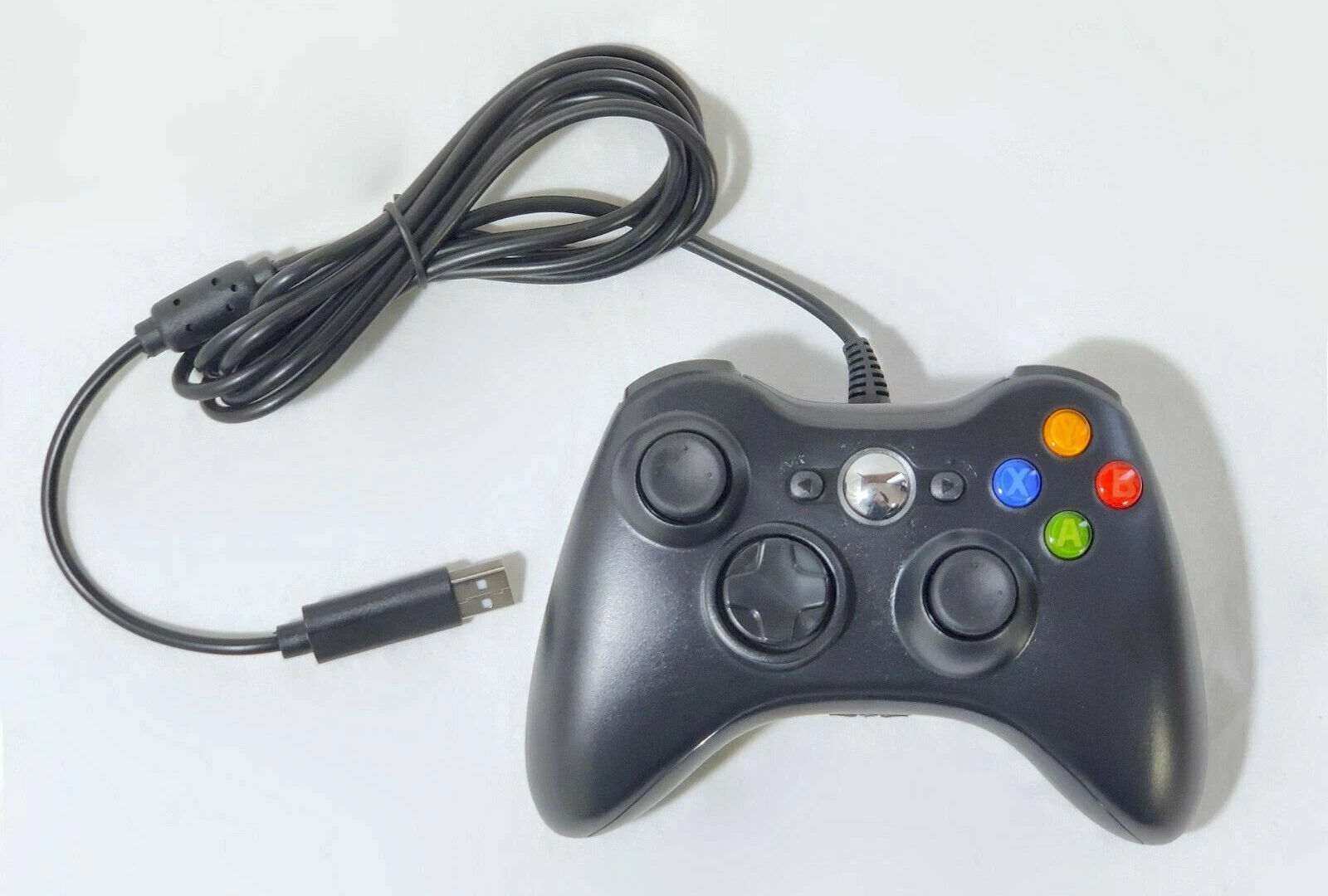
After all, this is what other 3rd party controllers have done. Especially the bootleg Chinese controllers that can't show the Xbox logo on the button for legal reasons. They don't care if your console lives or dies. So let's take our Rock Candy apart.
Dissassembly
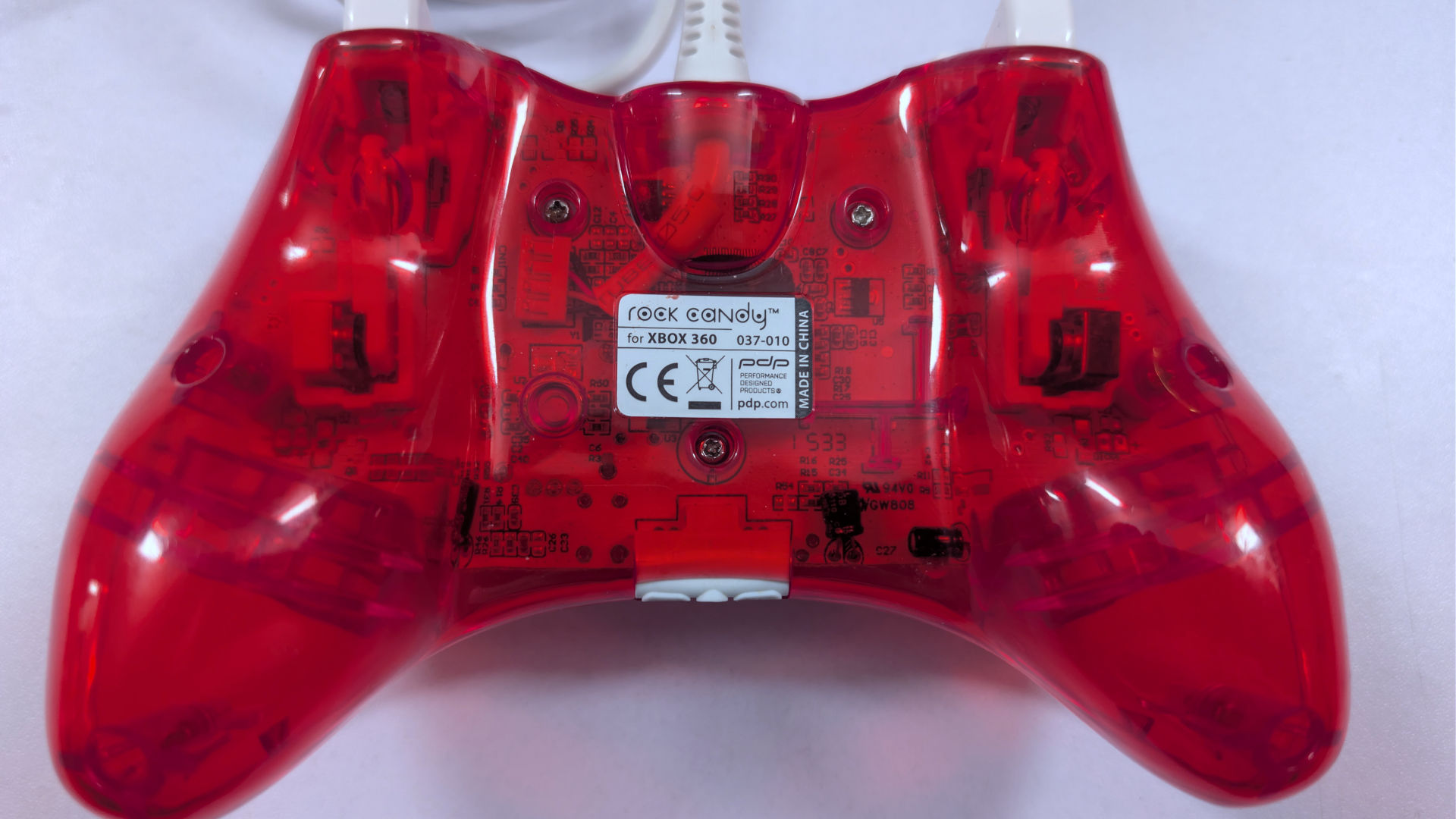
Flipping it over, we have a total of 7 plastic tapping Phillips screws to remove. To make things a little nicer, we don't even have to peel back any stickers to get access to these screws, which is great, really. We will say that removing some of these screws was somewhat of a challenge. Depending on how tight the company cranked them on, removing the screws almost made one strip the head of the screw. However, at least they used a fairly common plastic tapping screw, unlike the previous article.
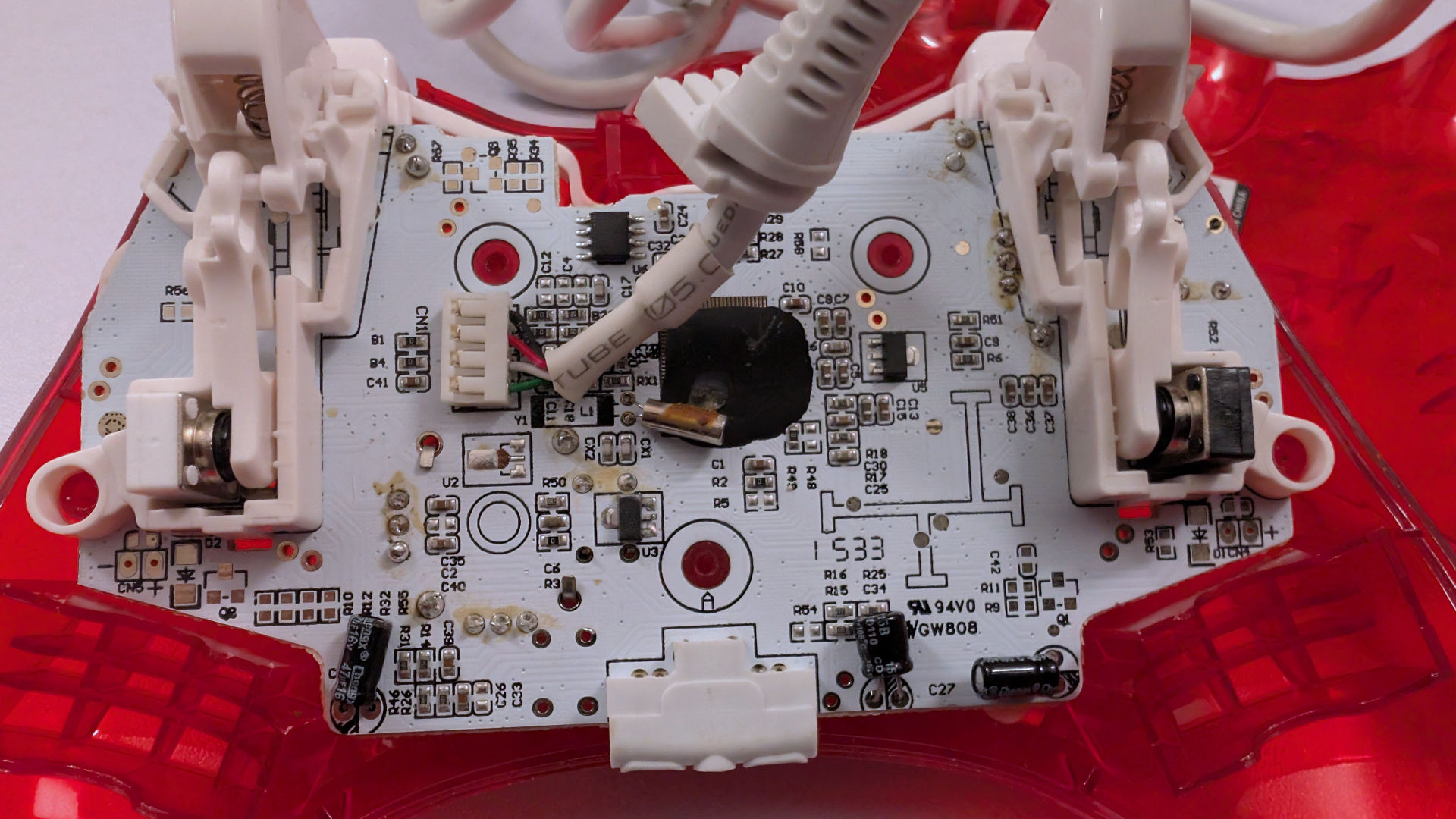
Good and bad news. The good news is that there are no other screws to remove to take the motherboard out. In fact, we didn't even need the plastic pick. It separated nicely!
Bad news is that the JP4 connector that goes to our cabling is not socketed but soldered right to be board! Also, a lot of the circuit boards that the company had to hand-solder, obviously, they didn't remove any of the flux, which explains the yellowing on a lot of the through-hole connectors. So, we could patch each of the wires and leave that JP4 connector undisturbed, but that would create an even bigger mess inside. So instead, we just ripped it out, and with my PineCIL once again, we soldered on a whole different replacement USB cable.
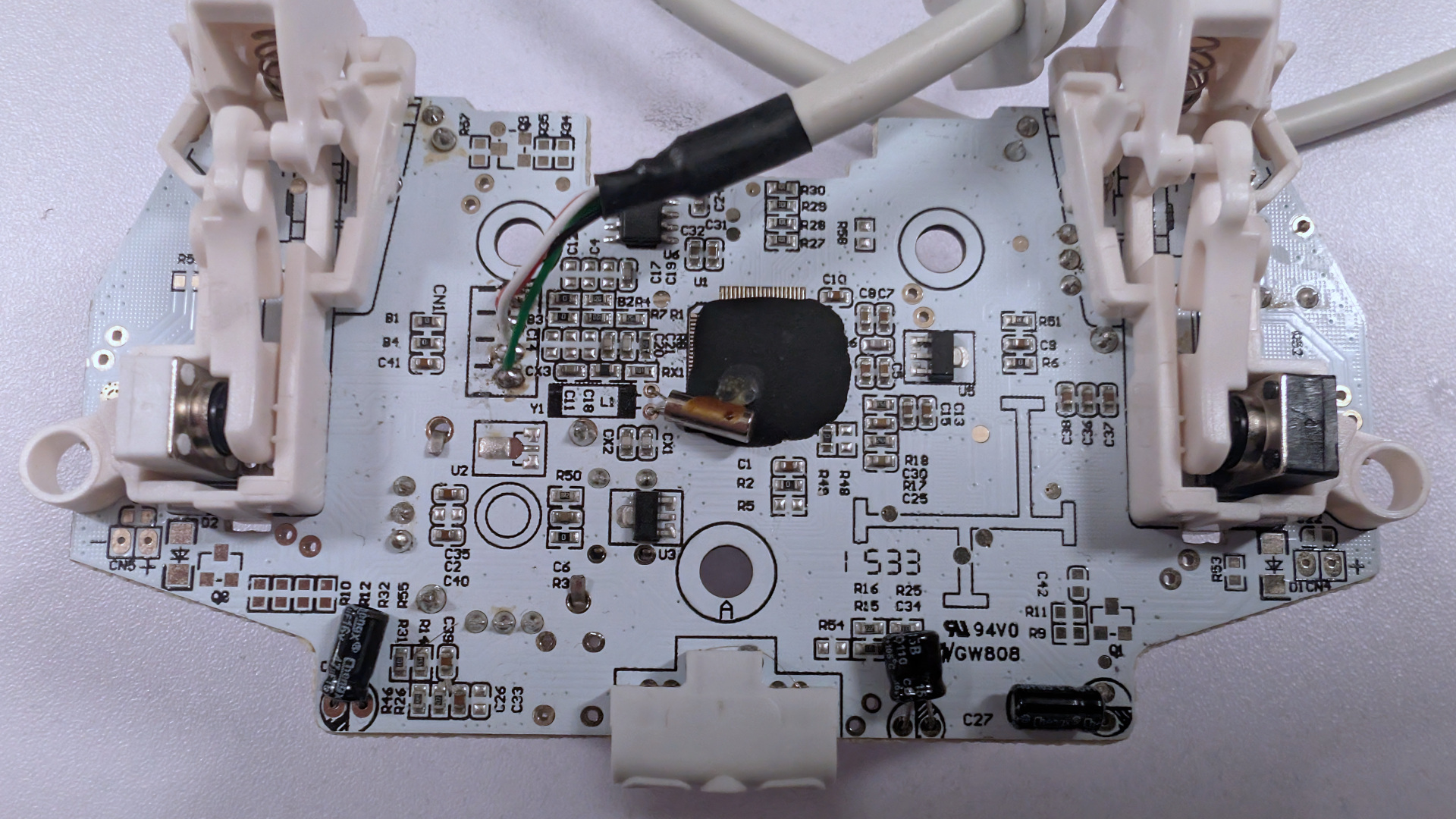
This was the result of the repair. Unfortunately, we didn't have white heatshrink to really make it look like a part of the gamepad. But this will be fine so long as none of the grounding braid comes in contact with the PCB. As we pressed the clam-shell controller back together again, it went together very nicely. The other thing we did as just a precaution was we hot-glued the base of the wires where the JP4 connector was. Just in case, if somehow the cables on the boot do get tugged, the wires won't rip immediately off the PCB.
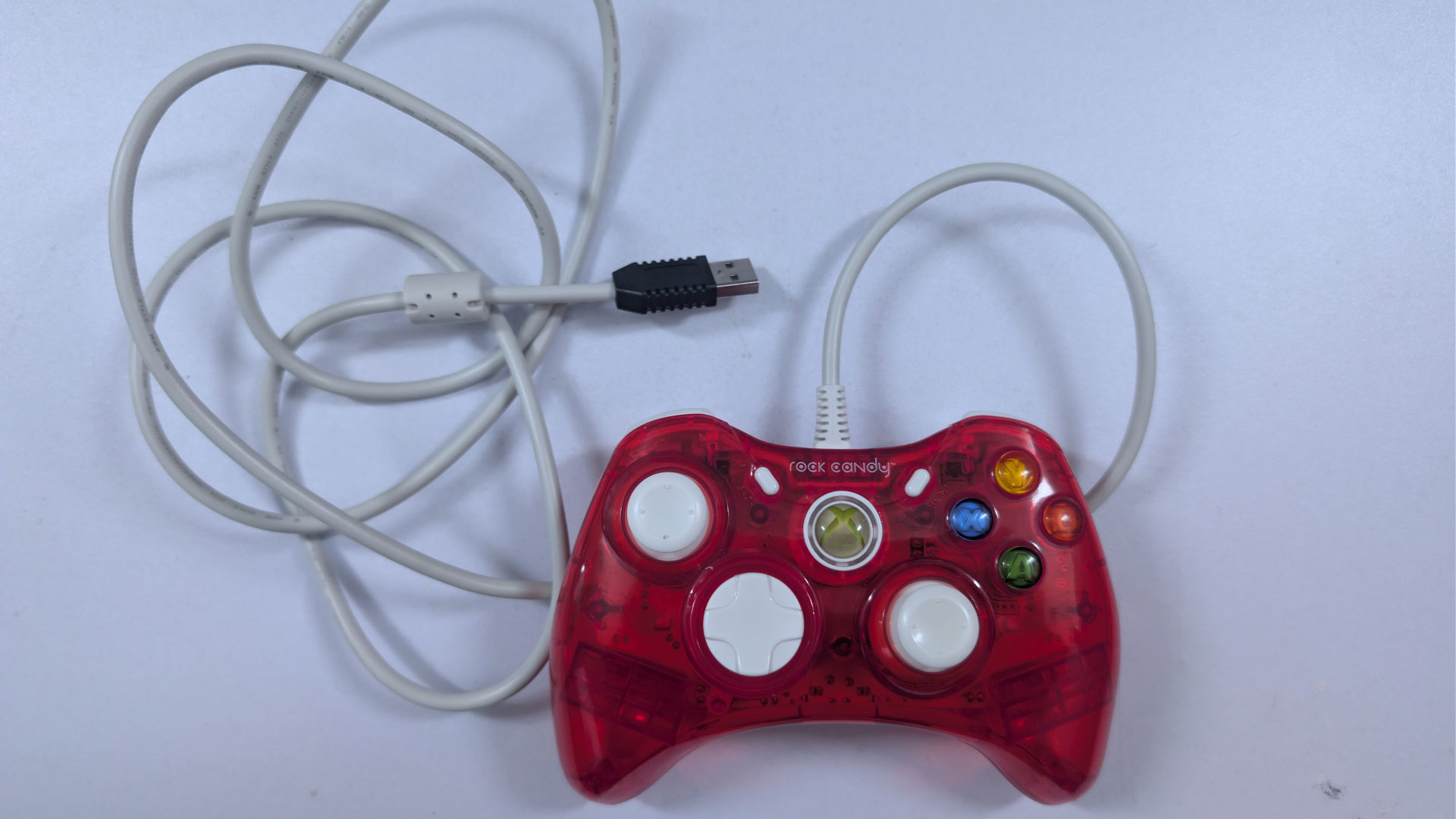
Sometimes it pays to keep cables around. In this case, the cable came off an old Cherry keyboard that was totally obliterated. The keys were missing, the board was snapped in half, but hey! At least there's a USB cable to take. Which we did. Which meant the cost of recabling was just our time to repair. It's something we wanted to test, and we sure as fuck tested the hell out of this controller.
Final thoughts.

Sometimes, when playing some serious Steam games, the controller icon will kick in as more and more games are being programmed for the Steam Deck. In some cases, the game can ONLY be played with a controller. So, in general, having at least one type of gaming controller is a good thing to have. We made this article not just to subliminally show you a porn game that takes you back to the Newsgrounds "Toon-Pimp" era of video gaming, complete with collision detection issues. But to prove that you don't need to spend a fortune to game. Sometimes, going to a few garage sales or going to a thrift store to help out a good cause for just a few bucks is all it takes. If you or a friend has some soldering skills, even without all of the parts, you can still make it work.
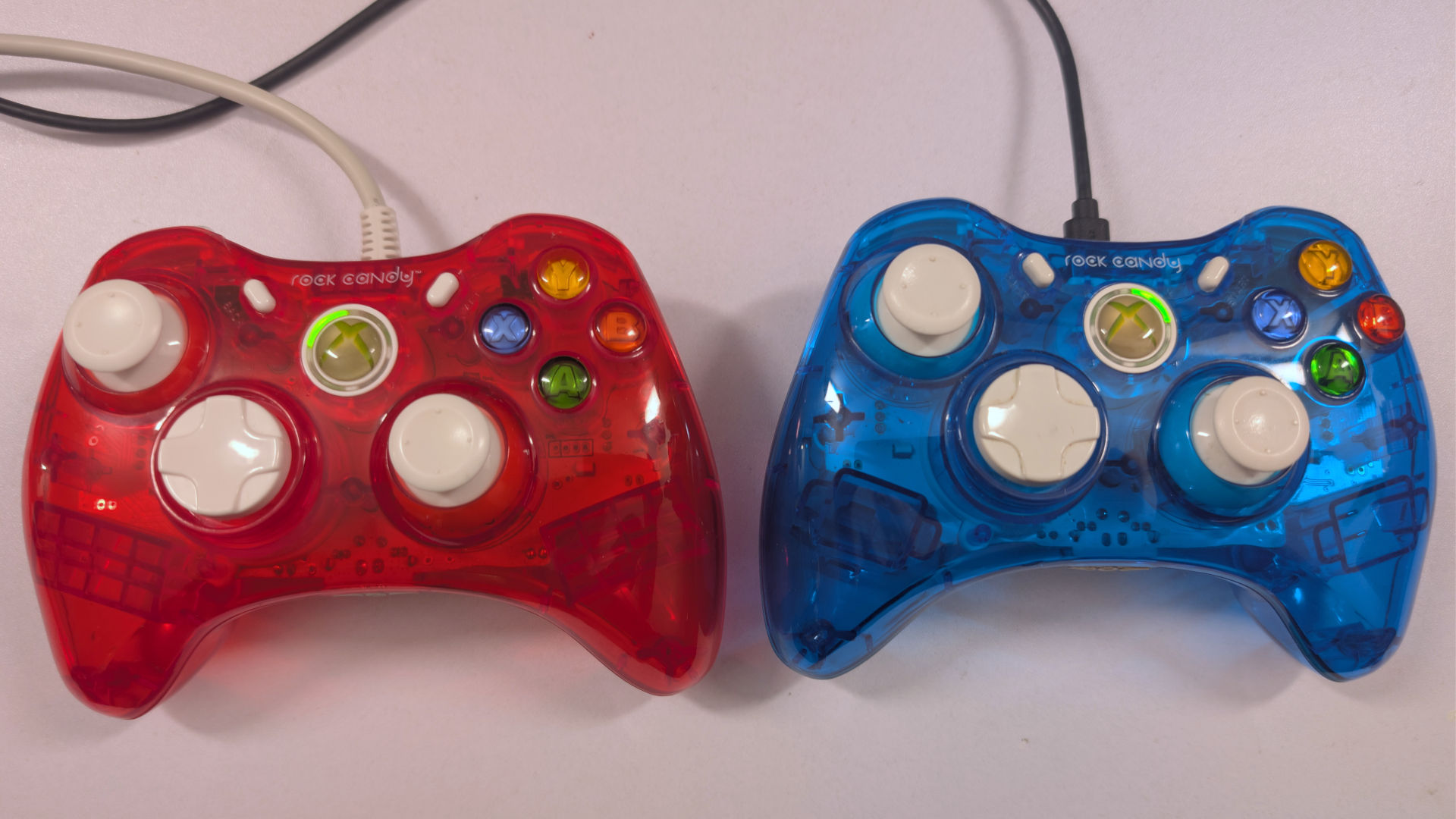
As for a quick review of the controller itself. It's certainly functional!
The analog hats didn't go from 0 to max like what we experienced with the P3 controller or other Chinese bootleg controllers, where the 10k potentiometers were pure shit. Even the latest build of Windows 11 acknowledges these Rock Candy controllers, but immediately acknowledges the Xbox driver system.
For those gamers wondering. No, we don't have Forza. We know that the game is the hardest to make a controller happy. But even with the Steam discounts, not paying a stupid amount of money for that game.
On just about every other Steam game, we have it simply worked.
We will also note that the D-Pad feels a lot better than BOTH Nvidia controllers from our previous blog. Which is a little sad, considering this is supposed to be an economical grade controller.
 A lot of these pictures are super blown out.
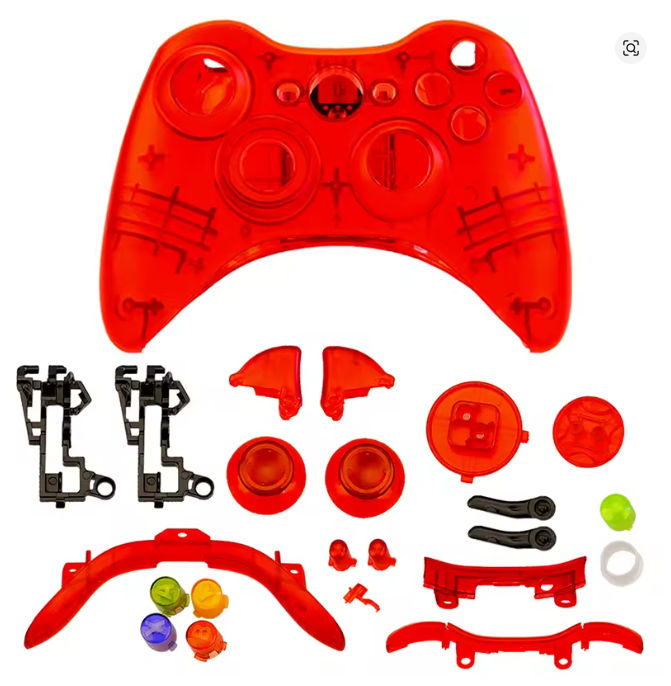
Now, for those of you wondering if they can give their current wireless controllers the same treatment as what Rock Candy did. AliExpress if your friend is on this one. What's particularly odd is that many of the wireless kits do not come with the battery case, which is a little off-putting, given the presence of a beige battery on what's supposed to be a translucent controller. Also, be prepared to spend more than $2 due to shipping/tariffs/new-user-shell-game fuckery that AliExpress often charges.
Anyhow, if you made it to the bottom. Holy shit. Over a cheap-ass controller? Mad props to you, the reader, for making it to the end! Thank you.
That's what server said.... Don't die..
+++END OF LINE
I literally had that exact red controller and it outlasted multiple of my laptops somehow.
Thanks for visiting my site Pendragon. The certainly had the rep of being one of the better third party controller companies out there!
Take care.
-S